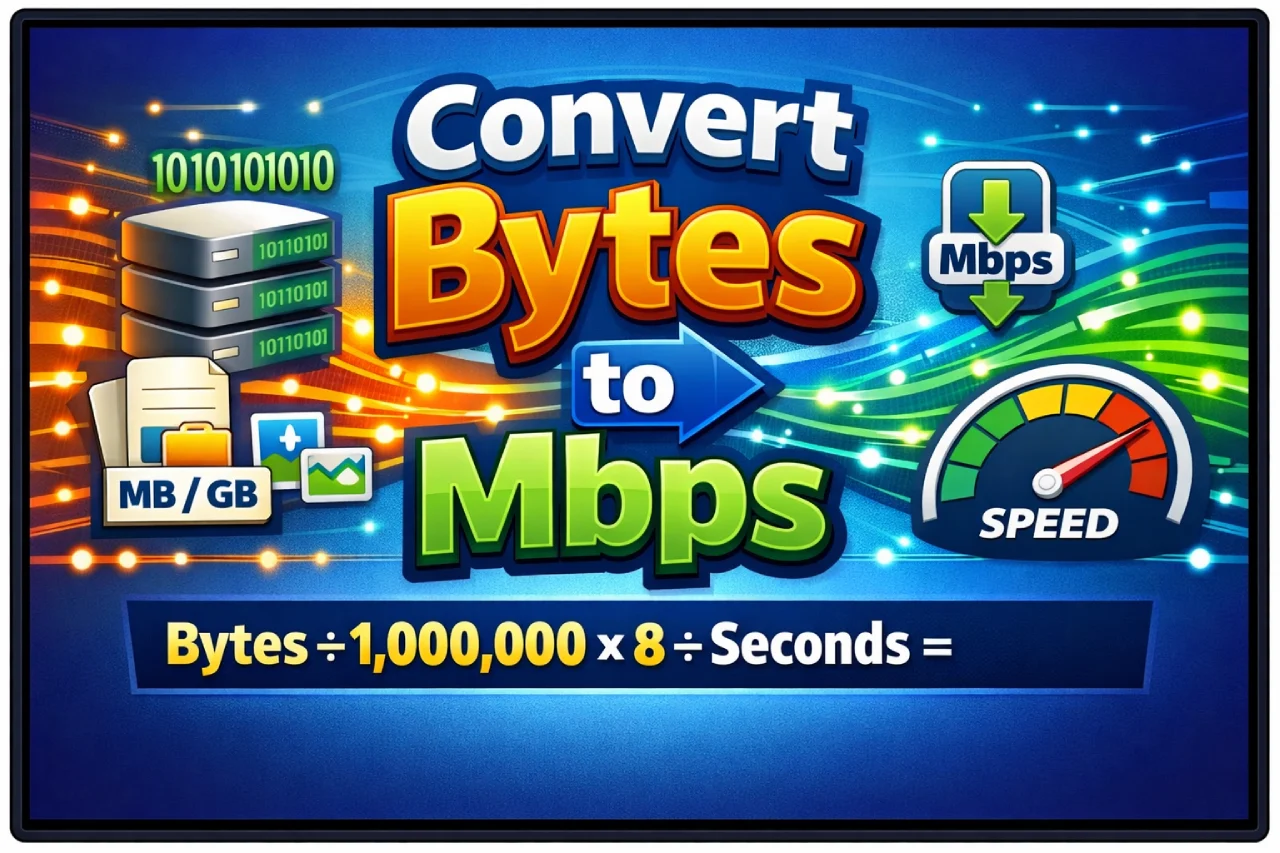
If you’re looking for a quick answer, here it is:
You can’t directly convert bytes to Mbps unless you include time.
Why? Because:
- Bytes (B) measure data size
- Mbps (megabits per second) measure data transfer speed
So the correct way to convert is:
Mbps = (Bytes × 8) ÷ Time (in seconds) ÷ 1,000,000
That’s the core idea. But once you understand why this works, converting between bytes and Mbps becomes easy—and extremely useful in real-world situations like internet speed, downloads, and file transfers.
Let’s break it down step by step.
Understanding the Basics: Bytes vs Mbps
Before jumping into formulas, it’s important to understand what each unit actually represents.
What Are Bytes?
A byte (B) is a unit of data storage.
- 1 byte = 8 bits
- Files like photos, videos, and documents are measured in bytes (KB, MB, GB)
What Is Mbps?
Mbps (megabits per second) is a unit of data transfer speed.
- Used by internet providers (e.g., 100 Mbps internet plan)
- Measures how fast data moves
Here’s the key difference:
- Bytes = how much data you have
- Mbps = how fast that data moves
That’s why time is required to convert between them.
The Key Conversion Rule
Bytes to Mbps Converter
Convert bytes into megabits per second easily.
Mbps = (Bytes × 8) ÷ 1,000,000
To convert bytes to Mbps, you need three steps:
- Convert bytes to bits (multiply by 8)
- Divide by time in seconds
- Convert bits to megabits (divide by 1,000,000)
So the formula becomes:
Mbps = (Bytes × 8) ÷ Seconds ÷ 1,000,000
This is the most accurate and widely used formula.
Simple Example (Real-World)
Let’s say you download a file:
- File size: 10 MB (megabytes)
- Time taken: 2 seconds
Step 1: Convert MB to bytes
10 MB = 10,000,000 bytes
Step 2: Convert bytes to bits
10,000,000 × 8 = 80,000,000 bits
Step 3: Divide by time
80,000,000 ÷ 2 = 40,000,000 bits/sec
Step 4: Convert to Mbps
40,000,000 ÷ 1,000,000 = 40 Mbps
So your speed is 40 Mbps.
Shortcut Formula (Much Easier)
If your data is already in megabytes (MB), you can use this shortcut:
Mbps = (MB × 8) ÷ Seconds
Example:
10 MB downloaded in 2 seconds:
(10 × 8) ÷ 2 = 40 Mbps
Much simpler, right?
Bytes vs Bits: The Most Common Confusion
This is where most people get tripped up.
- 1 byte = 8 bits
- Internet speed uses bits, not bytes
So:
- 1 MB (megabyte) = 8 Mb (megabits)
That means:
A 100 Mbps connection ≠ 100 MB per second
Instead:
100 Mbps ÷ 8 = 12.5 MB per second
This explains why downloads often seem slower than advertised.
Quick Conversion Table
Here’s a simple reference:
| Data Size | Time | Speed (Mbps) |
|---|---|---|
| 8 MB | 1 sec | 64 Mbps |
| 10 MB | 2 sec | 40 Mbps |
| 50 MB | 5 sec | 80 Mbps |
| 100 MB | 10 sec | 80 Mbps |
Use this as a quick mental check.
Real-Life Applications
Understanding bytes to Mbps isn’t just technical—it’s incredibly practical.
1. Checking Internet Speed
When you run a speed test, results are in Mbps.
But when you download files, they’re in MB.
Knowing the conversion helps you verify if your internet is performing as expected.
2. Estimating Download Time
If you know your speed, you can estimate how long a file will take to download.
Example:
- File: 800 MB
- Speed: 100 Mbps
Convert speed:
100 Mbps ÷ 8 = 12.5 MB/sec
Time:
800 ÷ 12.5 = 64 seconds
3. Streaming and Gaming
Streaming platforms recommend speeds in Mbps.
Understanding how that relates to actual data usage helps you choose the right plan.
Mbps vs MBps (Important Difference)
This is a critical distinction:
- Mbps (megabits per second) → lowercase “b” = bits
- MBps (megabytes per second) → uppercase “B” = bytes
And remember:
1 MBps = 8 Mbps
This small detail can cause big misunderstandings.
Binary vs Decimal Units (Advanced Insight)
There are two systems for measuring data:
Decimal (Used by Internet Providers)
- 1 MB = 1,000,000 bytes
- 1 Mbps = 1,000,000 bits
Binary (Used by Computers)
- 1 MiB = 1,048,576 bytes
For most everyday conversions, you can safely use decimal values.
Common Mistakes to Avoid
Ignoring Time
You cannot convert bytes to Mbps without time.
Confusing Bytes and Bits
Always remember:
1 byte = 8 bits
Misreading Units
MB ≠ Mb
Uppercase vs lowercase matters.
Expecting Exact Speeds
Real-world speeds are affected by:
- Network congestion
- Server limits
- Hardware performance
Practical Example You Can Relate To
Let’s say you download a 1 GB file in 40 seconds.
Step 1: Convert GB to MB
1 GB = 1,000 MB
Step 2: Apply formula
(1000 × 8) ÷ 40 = 200 Mbps
So your connection speed is roughly 200 Mbps.
Quick Mental Math Trick
Here’s a trick I use:
- Multiply MB by 8
- Divide by seconds
That’s it.
Example:
20 MB in 4 seconds:
(20 × 8) ÷ 4 = 40 Mbps
No calculator needed.
Frequently Asked Questions (FAQs)
Can you convert bytes directly to Mbps?
No. You need time because Mbps measures speed, not just data size.
What is the formula to convert bytes to Mbps?
Mbps = (Bytes × 8) ÷ Seconds ÷ 1,000,000
How many Mbps is 1 MB per second?
1 MB/s = 8 Mbps
Why is internet speed measured in Mbps?
Because it reflects how many bits are transferred per second, which is standard for network performance.
What is the difference between MB and Mbps?
- MB = megabytes (data size)
- Mbps = megabits per second (speed)
How do I calculate download speed from file size?
Use:
(MB × 8) ÷ seconds
Why is my download speed lower than my internet plan?
Because:
- Plans are in Mbps
- Downloads are shown in MB/s
- Plus network overhead and real-world factors
Is Mbps faster than MB/s?
They measure different things.
But numerically:
1 MB/s = 8 Mbps
How long does it take to download 100 MB at 50 Mbps?
Convert speed:
50 ÷ 8 = 6.25 MB/s
Time:
100 ÷ 6.25 = 16 seconds
What’s the easiest way to estimate speed?
Multiply MB by 8 and divide by time in seconds.
Final Thoughts
So, how do you convert bytes to Mbps?
The key takeaway is simple:
You need both data size and time.
Once you understand that:
- Convert bytes to bits
- Divide by time
- Convert to megabits
Or use the shortcut:
(MB × 8) ÷ seconds
From checking your internet speed to estimating download times, this conversion is one of the most useful things you can learn in today’s digital world.
And once you practice it a few times, it becomes second nature—just like checking your Wi-Fi signal.
Leave a Reply